syncthing-file-replication-using-docker
SyncThing is a peer-to-peer file sync service, meaning that your devices form a direct connection instead of storing files on someone else's servers. If all those devices are on the same network, your files never leave that network (though SyncThing can work remotely as well).
How to run Syncthing in docker
For testing we are going to created 2 LXC container in proxmox server with docker installation.
And also named the lxc container syncthing-1 and syncthing-2.
Use the /var/syncthing volume to have the synchronized files available on the host. You can add more folders and map them as you prefer.
Note that Syncthing runs as UID 1000 and GID 1000 by default. These may be altered with the PUID and PGID environment variables. In addition the name of the Syncthing instance can be optionally defined by using --hostname=syncthing parameter.
Create the syncthing.example.com directory in srv folder for both syncthing-1 and syncthing-2.
mkdir -p /srv/syncthing.example.com
Create a docker-compose.yml file in syncthing.example.com directory for both syncthing-1 and syncthing-2.
name: syncthing-example-com

version: "2.4"

services:
  syncthing:
    image: syncthing/syncthing:latest
    container_name: syncthing.example.com
    hostname: syncthing # optional
    restart: always

    environment:
      - PUID=1000
      - PGID=1000
      - TZ=Etc/IST

    volumes:
      - ./appdata/config:/config
      - ./data:/var/syncthing
      - /srv:/srv # optional if you want to sync the /srv folder
      - /opt:/opt # optional if you want to sync the /opt folder

    ports:
      - 8384:8384
      - 22000:22000/tcp
      - 22000:22000/udp
      - 21027:21027/udp
Then run docker-compose up -d to start the Syncthing container.
Syncthing Configuration
The Syncthing configuration is stored in the /config volume. You can edit the configuration file /config/config.xml to change the Syncthing settings.
Syncthing Data
The Syncthing data is stored in the /var/syncthing volume. You can add more folders and map them as you prefer.
Syncthing Ports
The Syncthing ports are mapped as follows:
- 8384: Web UI
- 22000: Sync Protocol
- 21027: Global Discovery
Syncthing Environment Variables
The Syncthing container can be customized with the following environment variables:
PUID: for UserIDPGID: for GroupIDTZ: for setting the timezone
Syncthing Web UI
The Syncthing web UI is available at http://<your-ip>:8384 where you can add folders to sync and manage devices.
First update the username and password for the web UI.


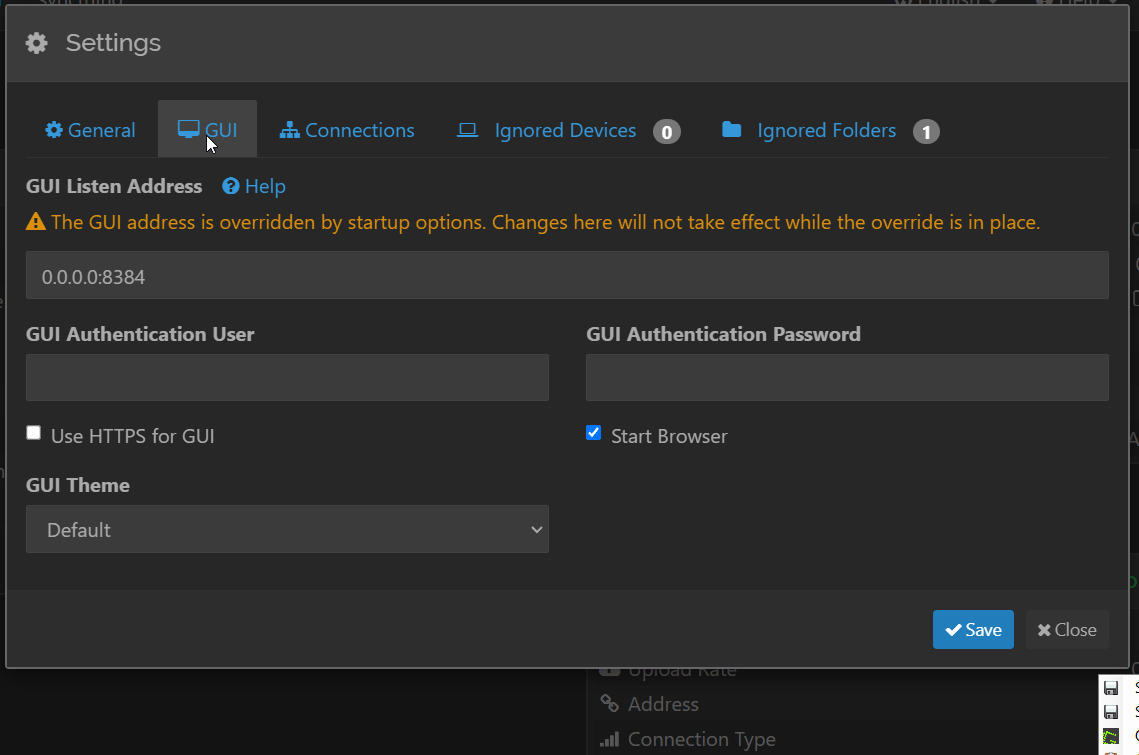
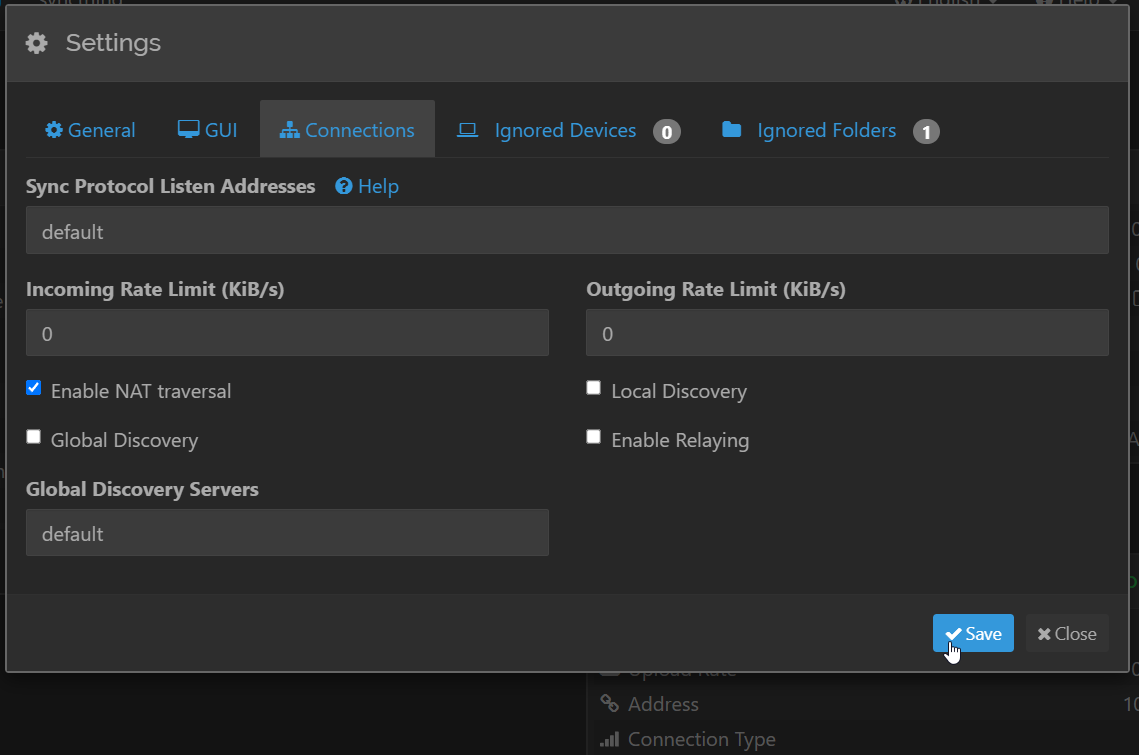
Disabling local and global discovery and relaying.
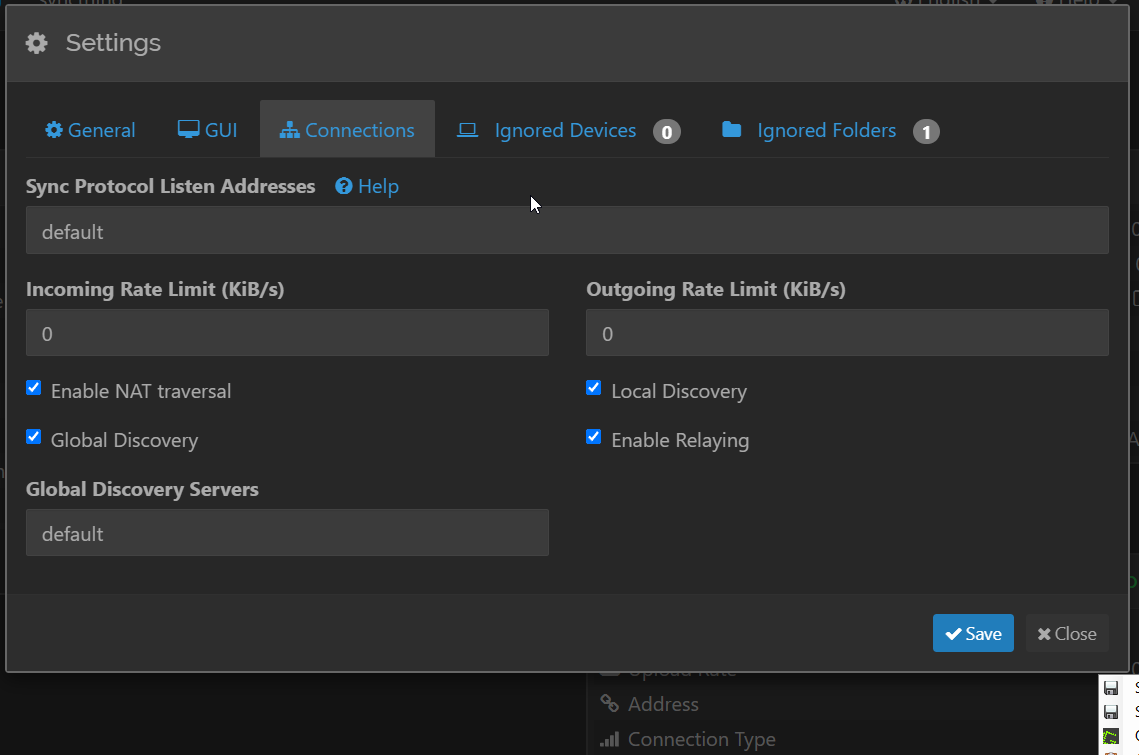
- Direct connections only: Devices can only connect directly (peer-to-peer), bypassing the relay servers.
- No automatic discovery: Devices won't automatically find each other, requiring manual configuration of IP addresses.
Copy the device ID and paste it into syncthing-1.

Add remote devices
Click on Add Remote Device option and add the device in syncthing-1.
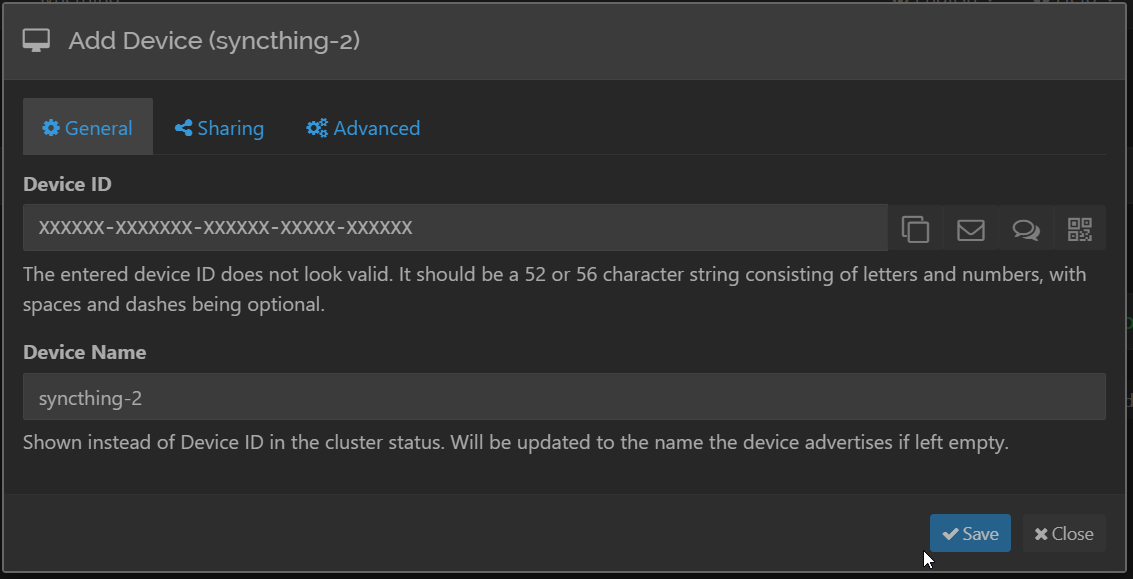
Replace the syncthing-2 IP address in x.x.x.x
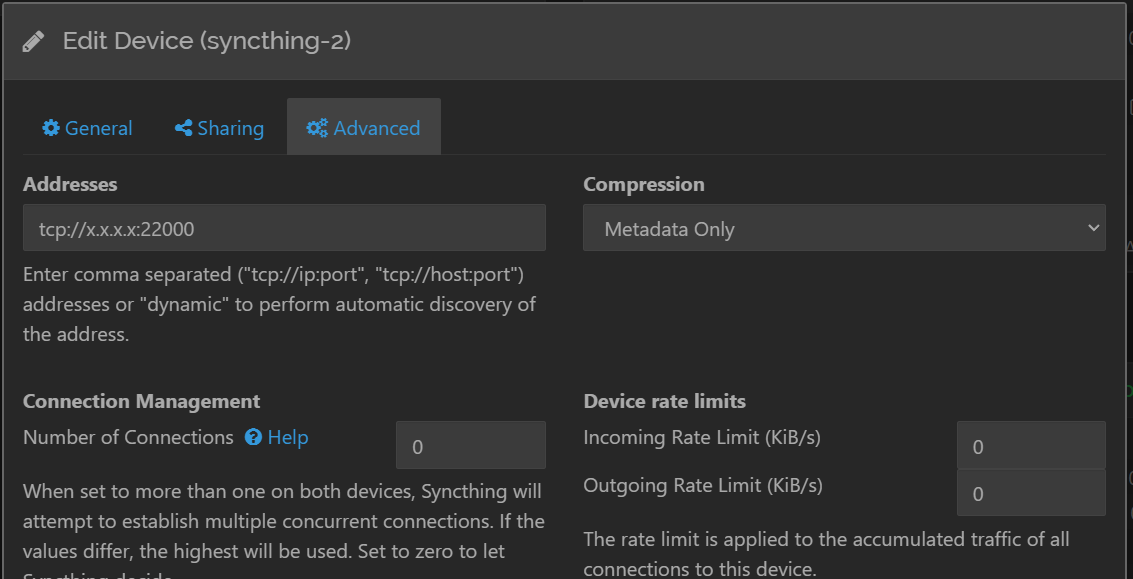
Now in the syncthing-2 web UI the ask confirmation to add the device click on yes option.
Folder sharing
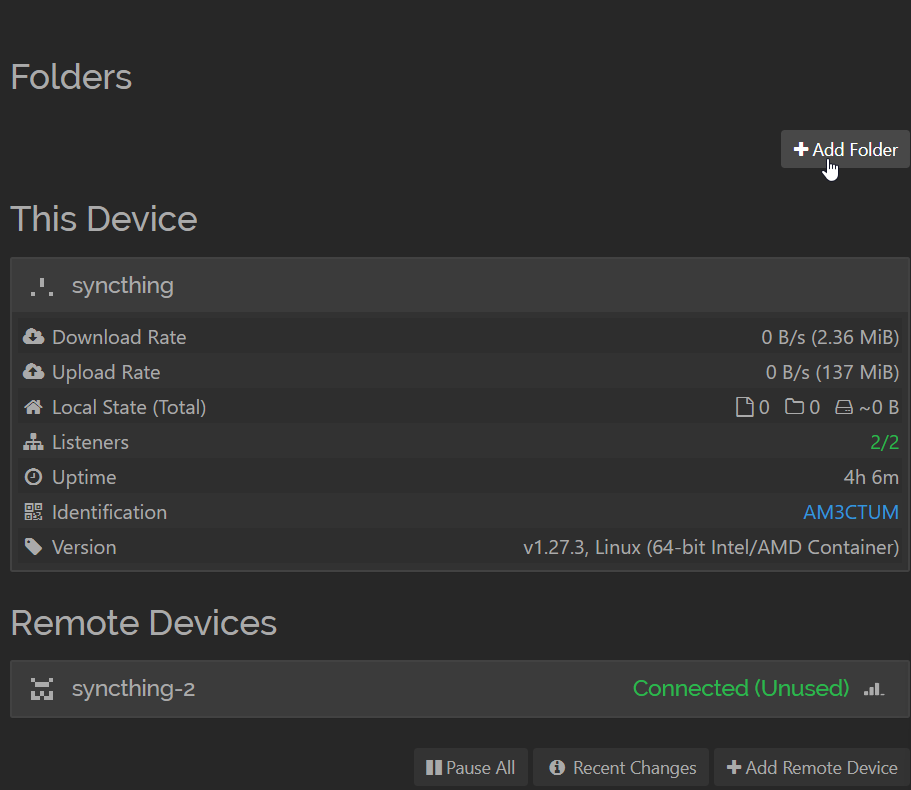
Click the Add Folder button in `syncthing-1.
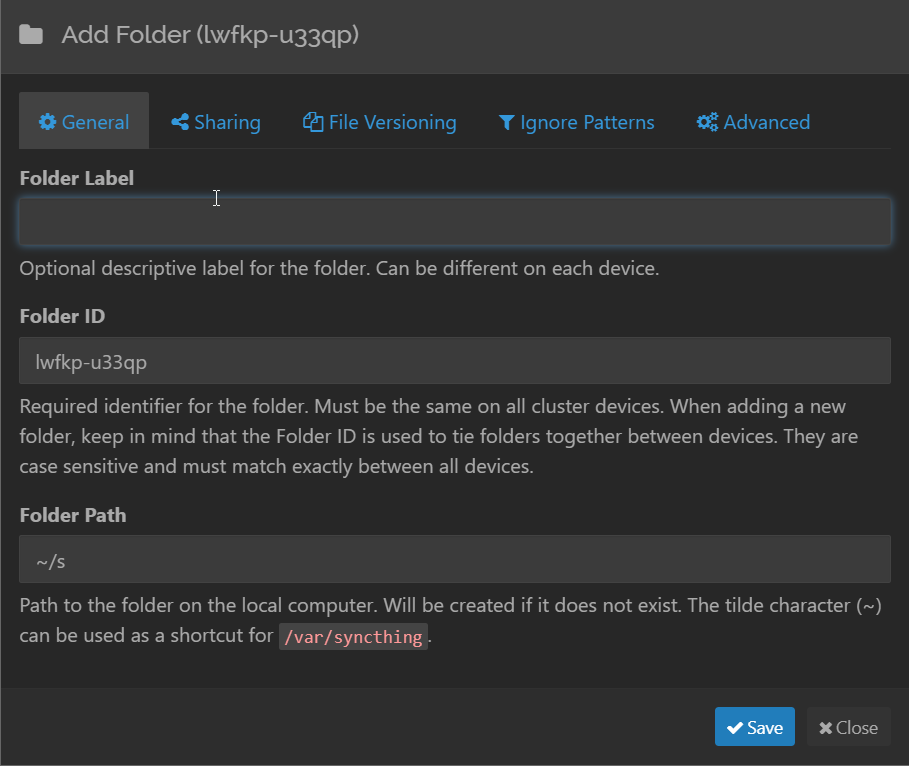
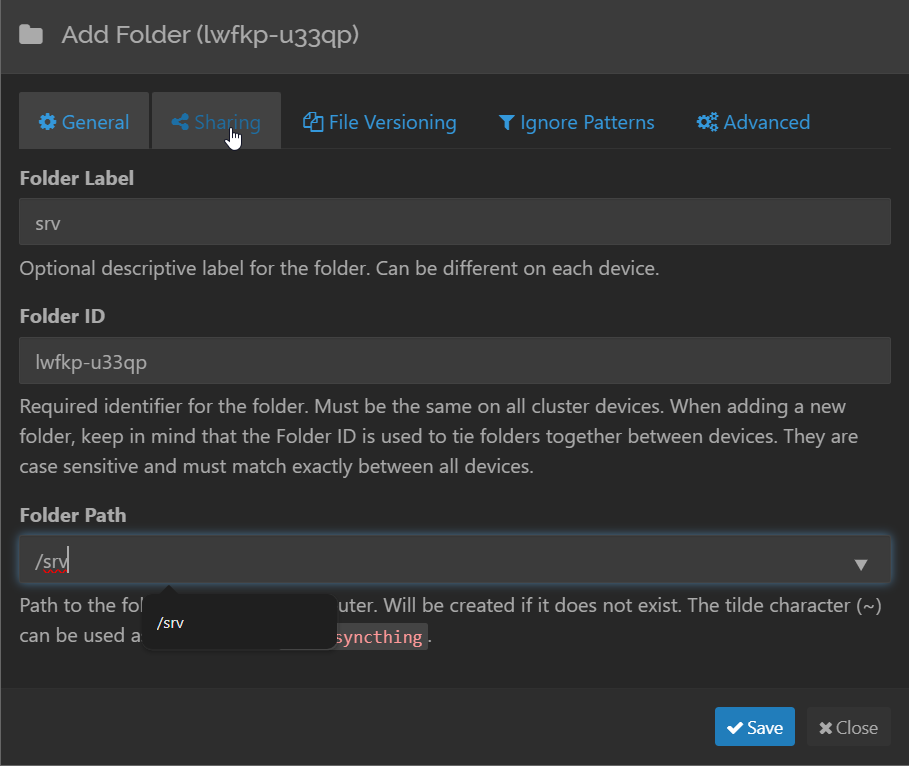
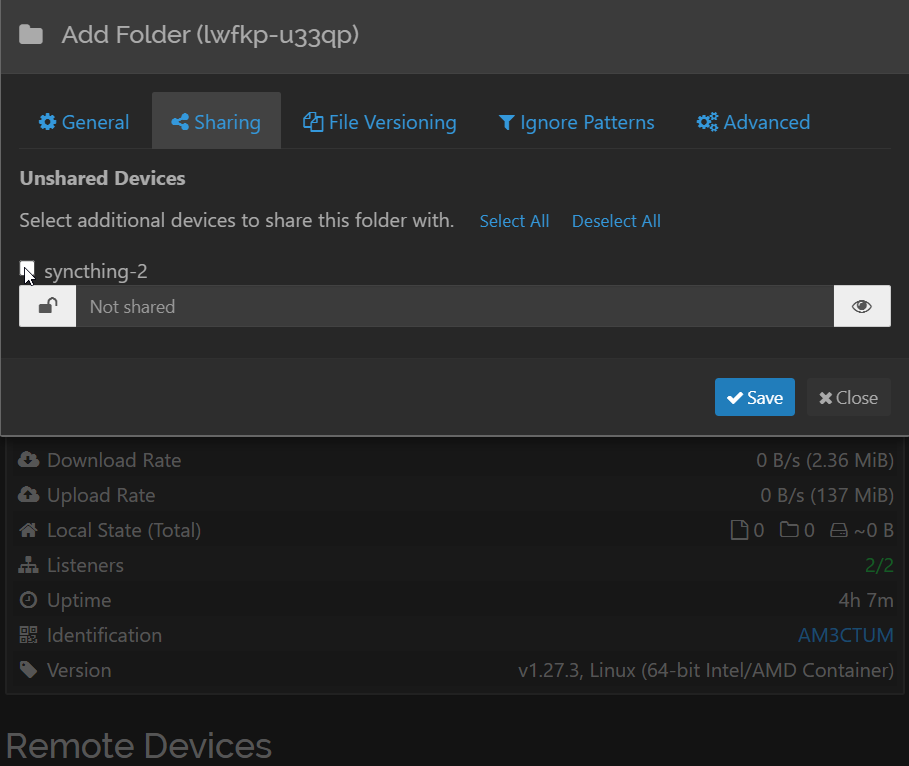
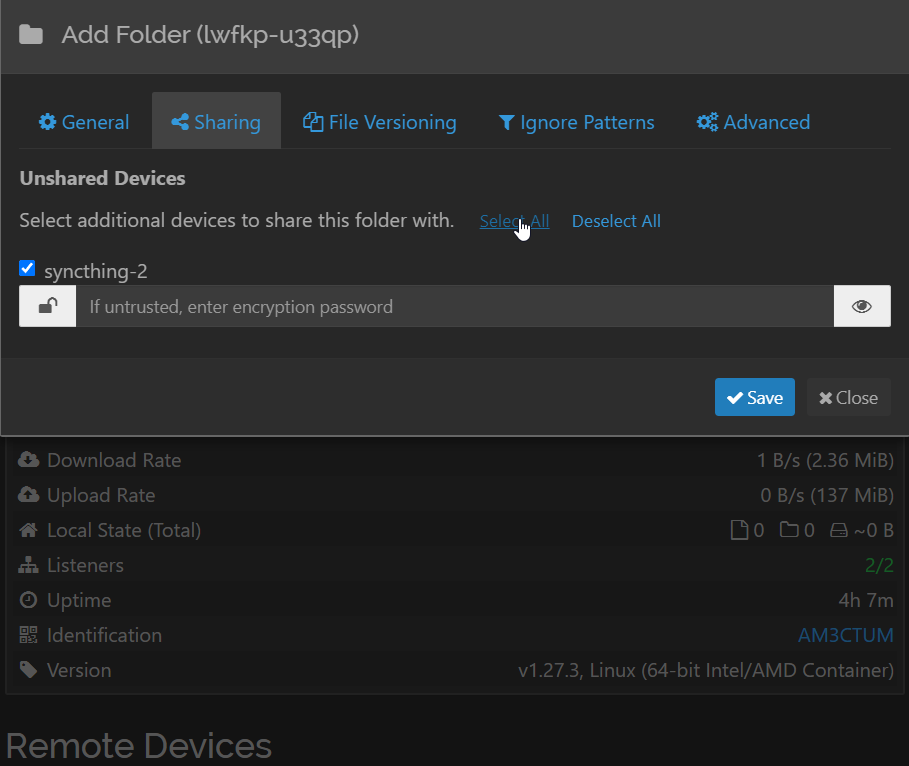
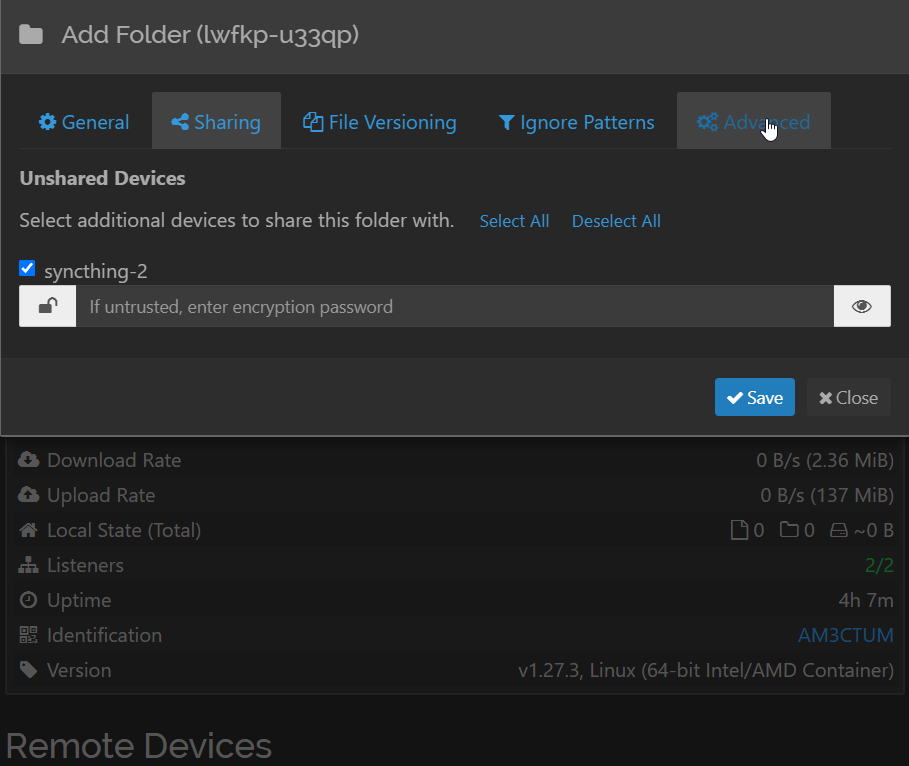
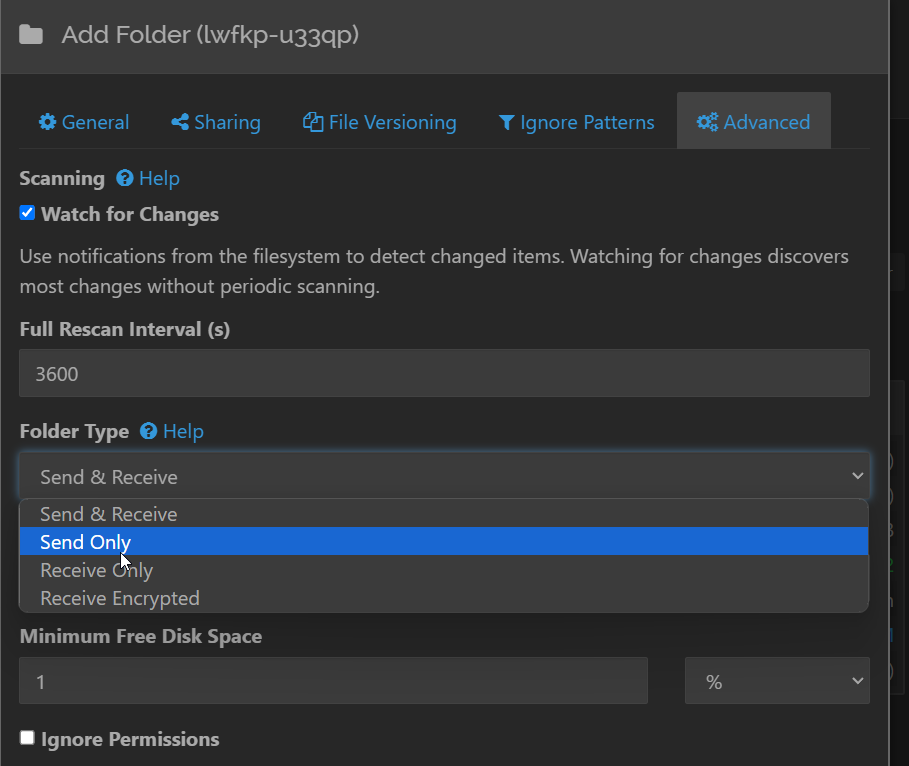
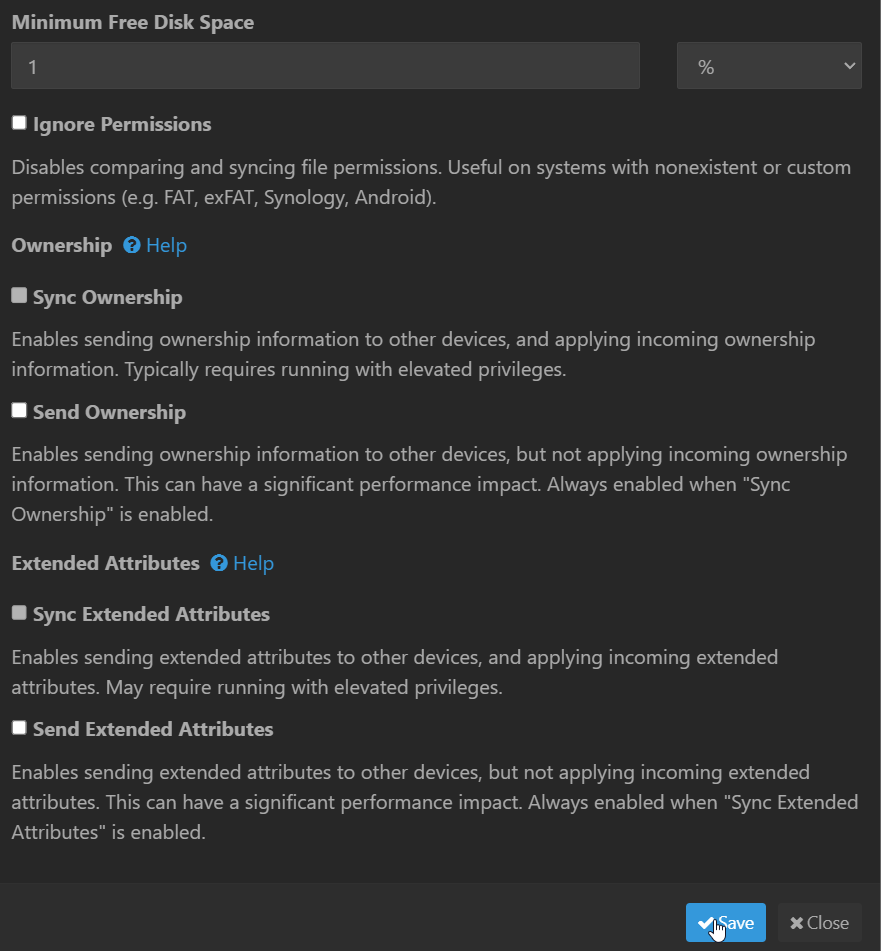
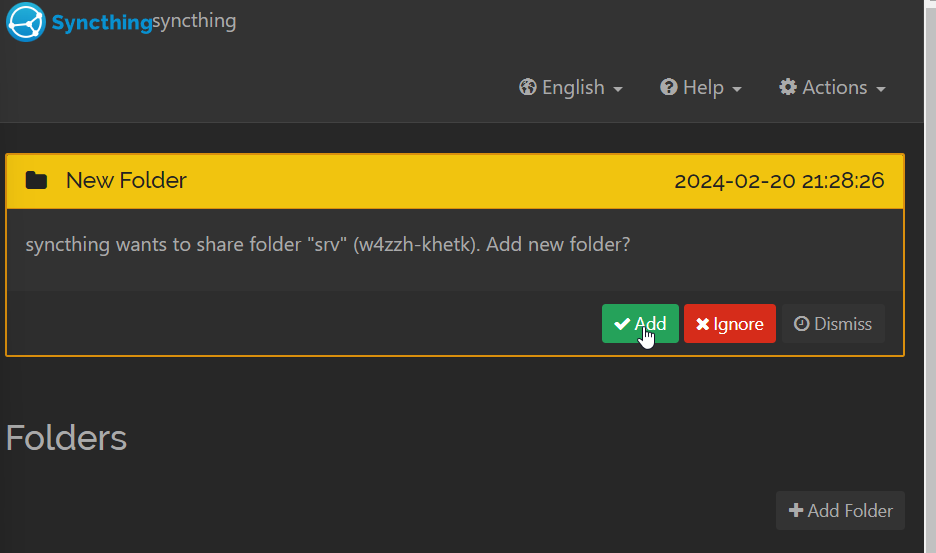
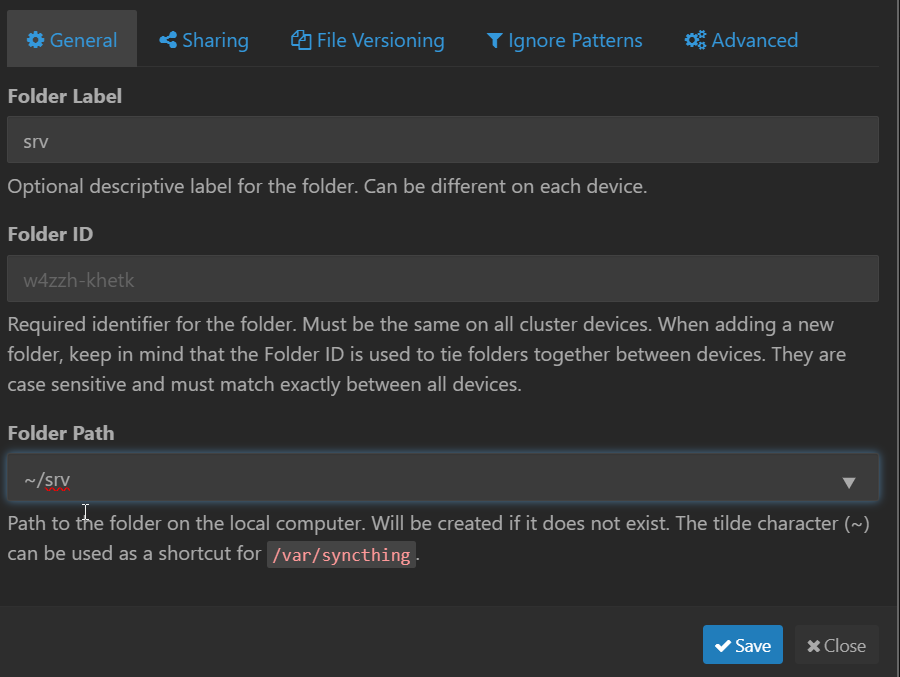
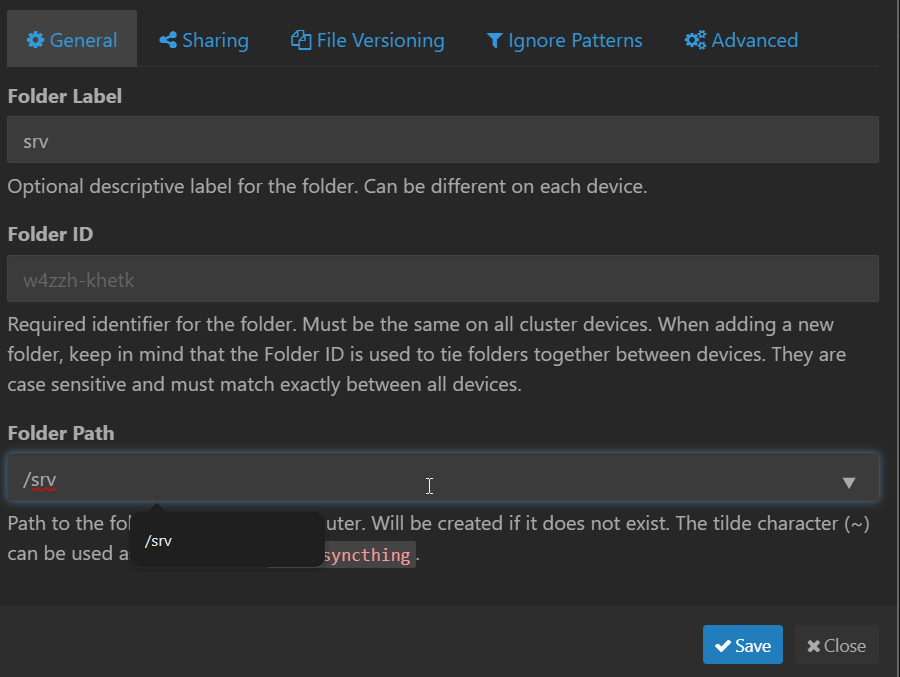
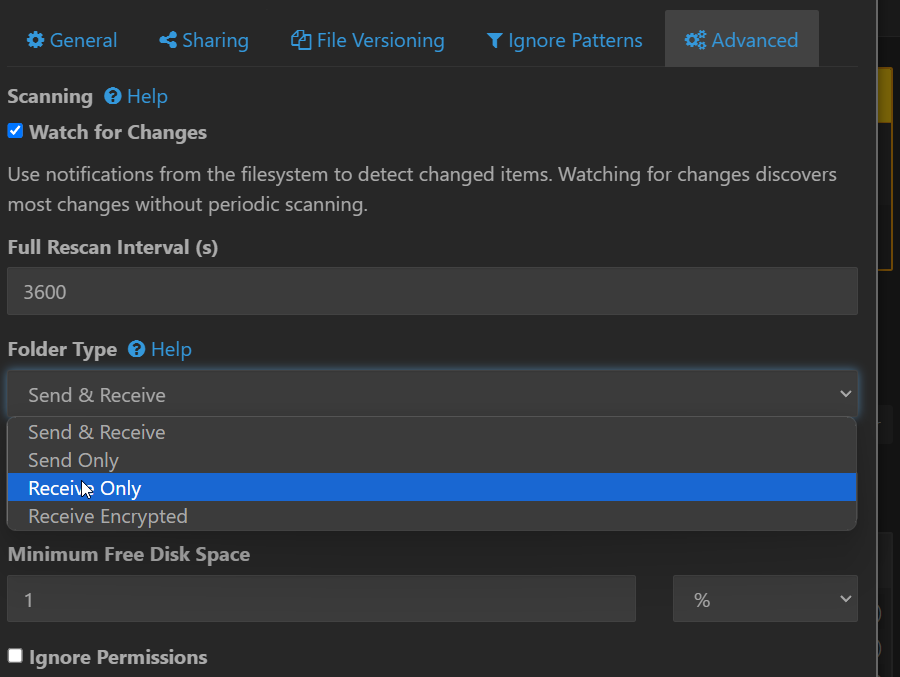
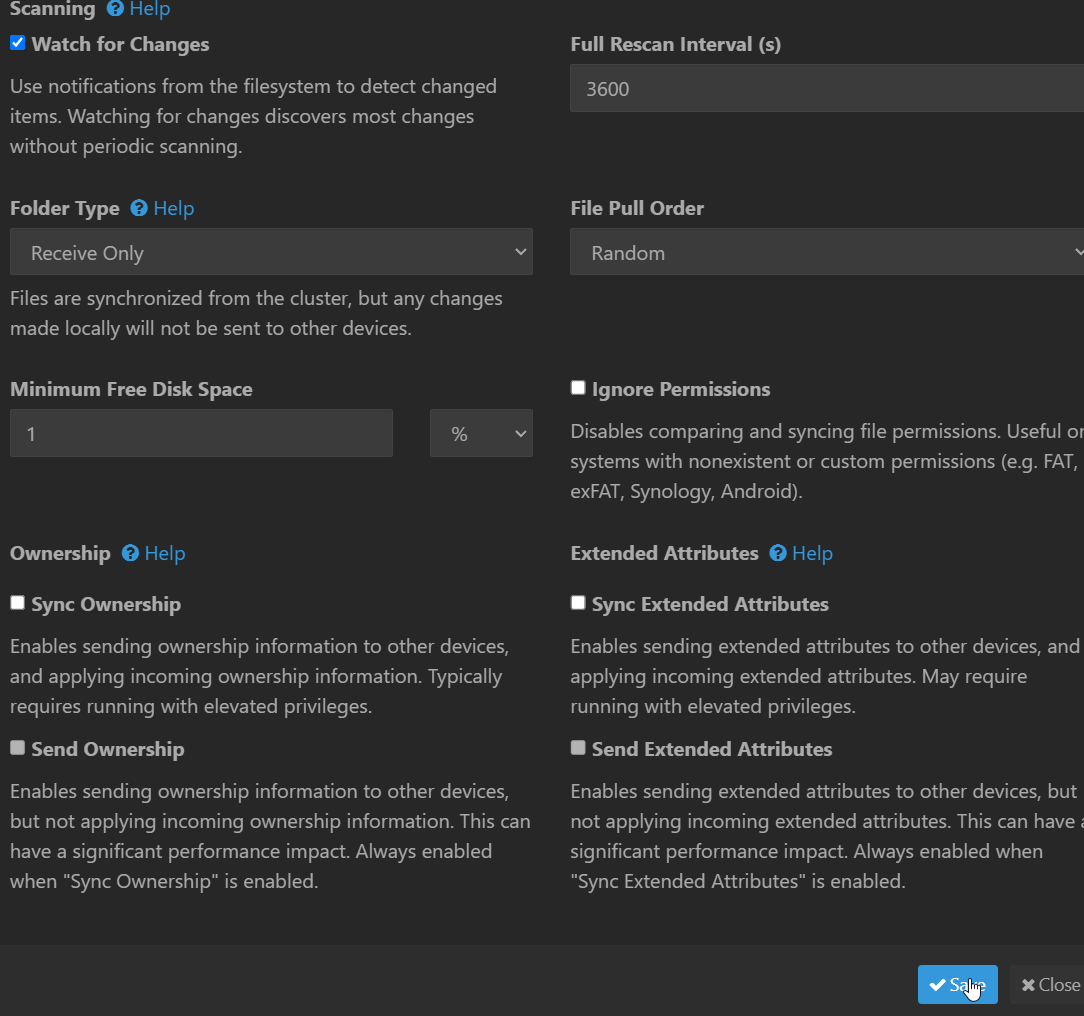
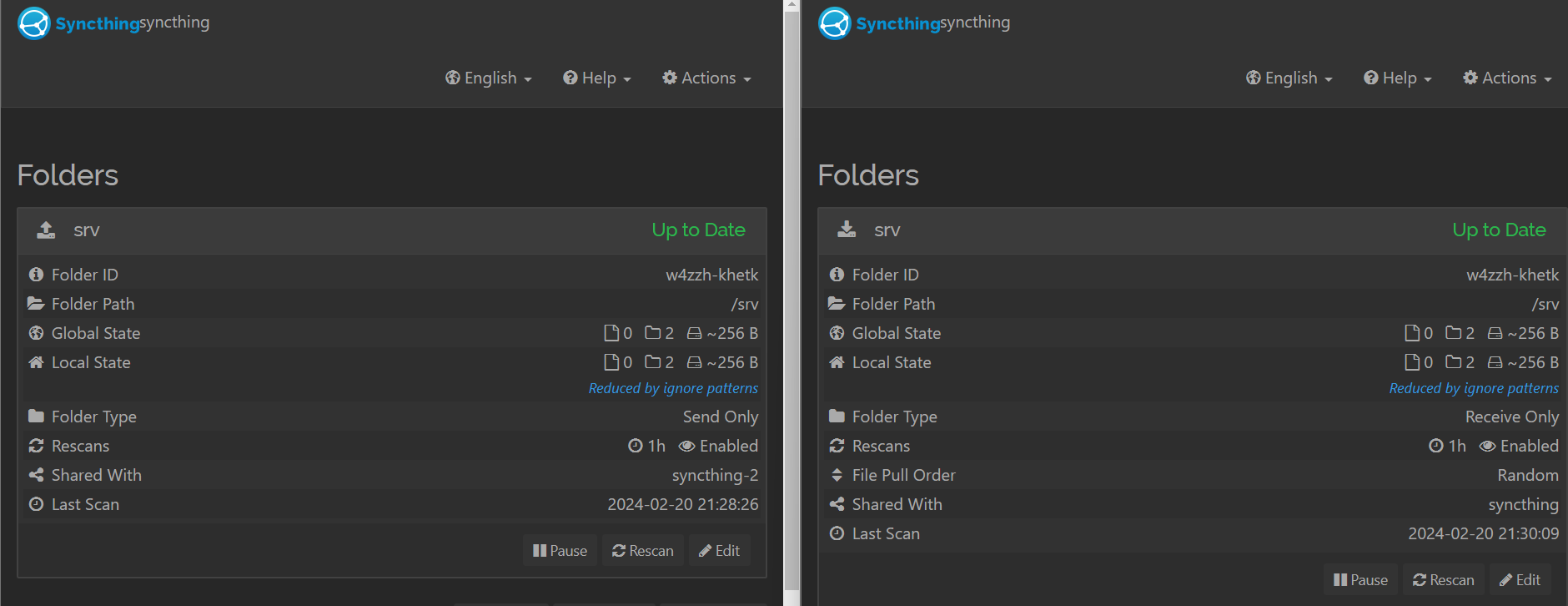
Also copy below and create .stignore file in syncthing.example.com to ignore syncthing container.
syncthing.example.com/